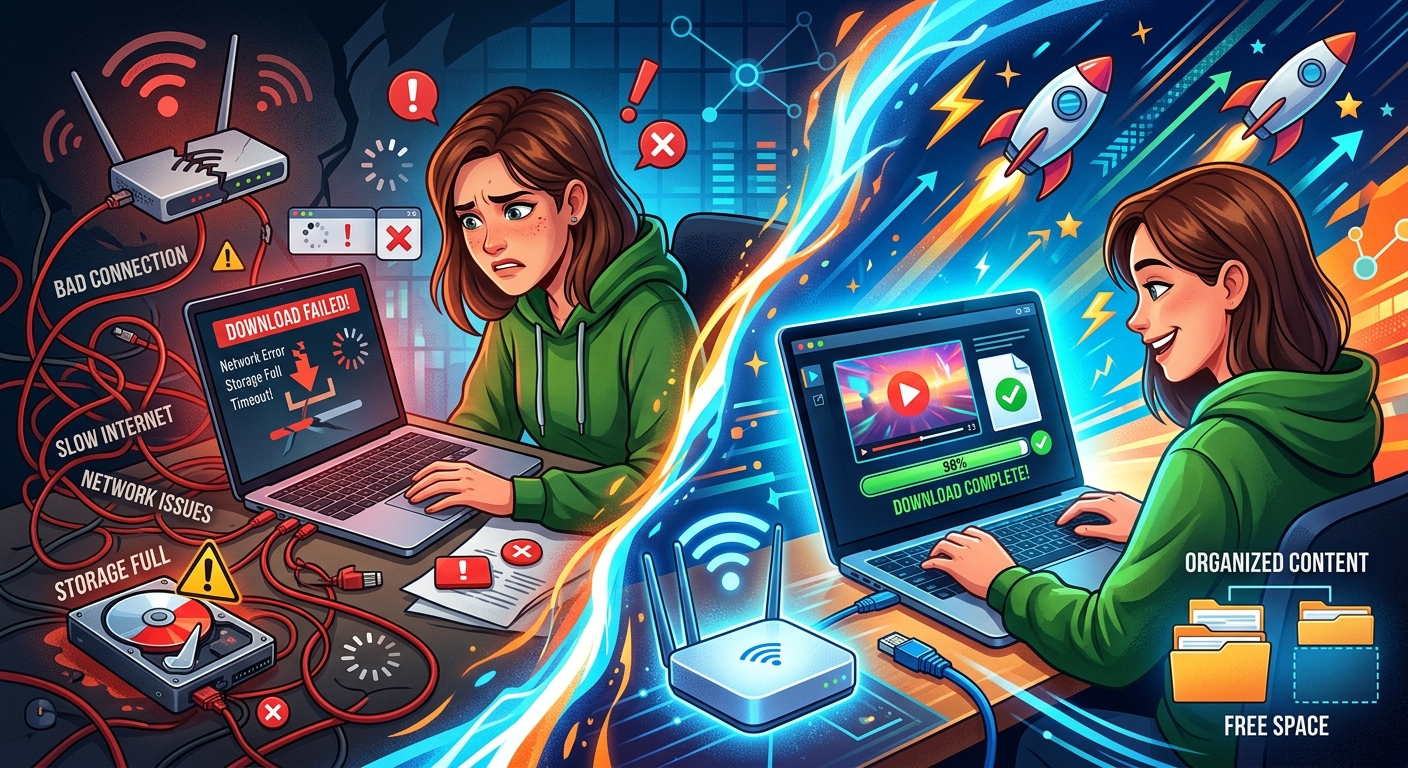
Your download stalls at 12%. Or the file arrives but will not play. Or nothing happens at all. Video downloads break in more ways than most people expect, and the frustrating part is that the same symptom can have completely different causes depending on the platform, the tool, and the moment you tried.
This article walks through every major failure point: broken source URLs, platform outages, geo-restrictions, format mismatches, and errors thrown by the download tool itself. For each one, there is a concrete step to take, not a vague "try again later."
Most failed video downloads trace back to one of five root causes: the source URL no longer works, the host platform is temporarily down, a geo-restriction blocks your location, the video uses a format the tool cannot handle, or the downloader itself hits a rate-limit or API error. Identifying which problem you are facing takes less than two minutes when you know what to look for.
When the Source URL Has Already Gone Dark
The most common cause of a failed download is also the simplest: the video is gone. Platforms delete content constantly. YouTube removes videos for copyright claims, community guideline strikes, or at the uploader's own request. TikTok pulls posts when accounts are suspended. Instagram videos disappear when a profile goes private or gets banned.
A deleted video returns a 404 or 410 HTTP status. Your download tool usually shows this as "Video not found" or "Unable to fetch media URL." The fix is straightforward: confirm the video still plays in your browser before you paste the URL into any downloader.
If the page loads but shows a removal notice, no tool can recover that content. The source simply does not exist anymore. Your only path forward is finding a mirror, a cached version, or an alternative upload of the same content elsewhere.
Platform Outages That Knock Downloads Offline
Download tools do not fetch video files from their own servers. They pull content directly from the platform's CDN (content delivery network). So if YouTube or TikTok is experiencing an outage, your downloads will fail even if your internet connection is fine and your tool is working perfectly.
This trips people up constantly. They assume the problem is on their end and spend time reinstalling tools, switching browsers, or resetting their router, when the actual issue is that the platform itself is down.
Before you do anything else, check is it down right now to confirm the source site is actually reachable. If the platform shows as down or degraded, wait it out. There is nothing to troubleshoot on your side.
Outages at major platforms can be short, lasting a few minutes during a CDN hiccup, or prolonged during major infrastructure incidents. Either way, the resolution is identical: wait for the platform to recover, then retry. No amount of tool-switching or network fiddling will fix a server that is not responding.
Geo-Restrictions and the Invisible Wall Around Certain Content
Some videos are only licensed for specific countries. A music video on YouTube might be available in the US but blocked everywhere else. A broadcast clip on Instagram might only appear in the region where the media rights holder operates.
Platforms do not always make this obvious. Sometimes you get a clear message ("This content is not available in your country"). Other times the page loads but the video player shows an error or an empty frame. Download tools see the same wall and fail accordingly.
Signs that geo-restriction is your problem:
- The video plays fine when you connect through a VPN set to a different country
- Your download tool returns an HTTP 403 Forbidden error on this video only
- The platform page loads but no playable media appears
- Other videos on the same platform download without issue while this one consistently fails
The HTTP 403 code is significant here. Web standards define it as the server actively refusing the request, not simply failing to find the resource. The IETF has even standardized a dedicated status code, HTTP 451, specifically for content that is unavailable for legal or licensing reasons, which is exactly what geo-restricted media triggers on many platforms.
The practical fix is to use a reputable VPN, connect to a server in a region where the content is licensed, and retry. Not every geo-blocked video can be accessed this way, since some platforms also check the account's registered country, but a VPN resolves the problem in the majority of cases.
Unsupported Formats and Codec Mismatches
A download that completes but produces a file that will not play is a different category of failure. This is almost always a format or codec mismatch between what the platform serves and what your player or device expects.
Modern platforms stream video in adaptive formats like HLS (HTTP Live Streaming) or DASH (Dynamic Adaptive Streaming over HTTP). These are not single files. They are broken into small segments stitched together during playback. Some download tools handle this seamlessly. Others grab only a partial segment stream or produce a container file missing the correct codec data.
The result is a file that looks downloaded but plays as a black screen, freezes immediately, or throws a "codec not supported" error in your media player.
The fix depends on the tool. If your downloader offers a format selection, choose MP4 with H.264 video and AAC audio. These are the most universally compatible options across devices and players. Avoid VP9 or AV1 unless you know your player supports them. If the tool does not let you choose formats, try a different one that gives you that control before downloading.
Tool-Side Errors and What Each One Actually Signals
Download tools generate their own errors on top of what the platform returns. Knowing how to read these saves considerable time and prevents you from chasing the wrong fix.
Here is a breakdown of the most common error types and what to do about each:
- Rate limit or 429 error: You have sent too many requests to the platform in a short window. Wait 10 to 15 minutes and try again. Some tools let you set a delay between requests to avoid hitting this ceiling.
- Signature extraction failed: The platform updated its internal JavaScript structure and the tool has not caught up. Check for a tool update or switch to an alternative that has already patched for the change.
- 403 Forbidden: Either a geo-restriction is in effect or the video requires a logged-in account. Try a VPN for the former, or make sure the tool is authenticated with your account session for the latter.
- Network timeout: The connection to the CDN dropped mid-transfer. This often resolves on a simple retry. If it persists, the platform may be rate-limiting large downloads or experiencing intermittent instability.
- No video streams found: The tool cannot parse the page structure, usually because the platform updated its frontend code. Updating or replacing the tool is the most reliable fix here.
- Merge or mux error: The video and audio streams downloaded separately but failed to combine into a single file. This typically requires a working installation of a media processing backend (such as FFmpeg) that the downloader calls in the background. Reinstalling or updating that backend usually resolves it.
How YouTube, TikTok, and Instagram Each Break Differently
These three platforms are the most commonly targeted for video downloads. Each has its own failure patterns, and knowing them helps you skip straight to the right fix.
- YouTube: The most frequent failure is a signature cipher error after YouTube updates its player JavaScript. Tools that rely on parsing that script break until they receive an update. Age-restricted videos also require an authenticated session to download at all. YouTube Shorts sometimes fail separately from standard videos because they use a different URL structure that some tools do not handle.
- TikTok: TikTok aggressively rotates its CDN URLs, meaning a link that worked an hour ago may return an empty response now. The platform also serves watermarked versions to anonymous requests. Authenticated session tokens typically return the clean, unwatermarked stream and tend to be more stable.
- Instagram: Private accounts block all unauthenticated access entirely. For public content, Instagram frequently changes its media URL patterns, which breaks tools that have not been updated recently. Reels and Stories use different endpoints from standard feed videos, so a tool that handles one may not handle the other without a separate configuration.
Clearing the Path When Nothing Obvious Solves It
Some failures stack on top of each other. A geo-restriction combined with a stale tool version and a platform outage all happening simultaneously will produce symptoms that do not point clearly to any single cause.
Work through a consistent order: confirm the video is still live in your browser, check whether the platform itself is reachable, verify that your download tool is on its latest version, try a different tool entirely to isolate whether the problem is tool-specific, and test from a different network connection if possible.
Changing networks catches a surprising number of issues. Some ISPs cache or intercept CDN traffic in ways that break adaptive stream downloads. Switching to a mobile hotspot or a different Wi-Fi network removes that variable entirely and can reveal whether the problem is local to your connection.
If none of those steps resolve the issue, the video itself may be protected by DRM (Digital Rights Management). DRM-encrypted streams cannot be downloaded by any conventional tool regardless of format, platform, or network conditions. Subscription content on major streaming services uses this protection by design, and no workaround exists for it.
Working through this process turns a frustrating guessing loop into a structured five-minute diagnostic. Each cause has a real fix. The key is matching the symptom to the root, not throwing solutions at the problem until something sticks.